 DF Wiki
DF Wiki
DF Wiki
Use these two items to play and search plots.
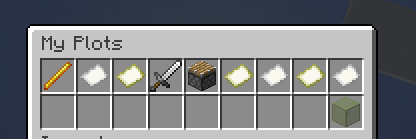
This menu contains your currently owned plots, and button to claim a new one.
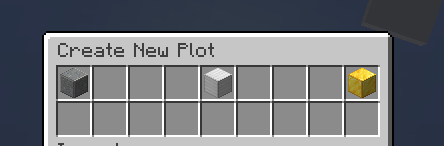
From here, you can claim a plot if you have any.
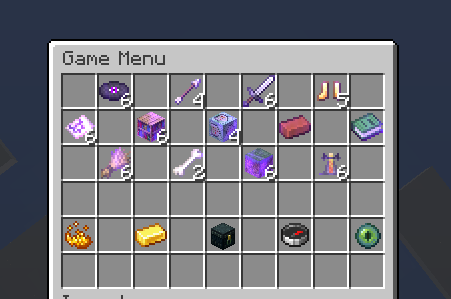
This menu contains:
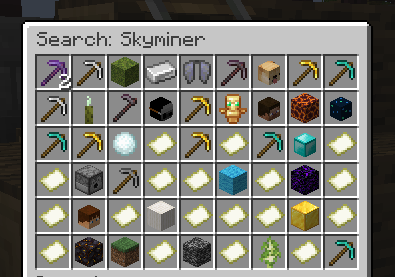
To search, hold the game menu and type in chat.
This finds all games with a title containing what you searched.
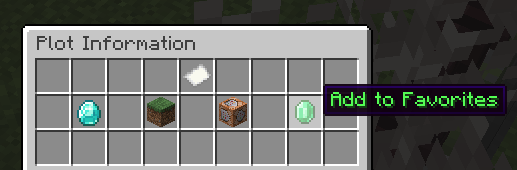
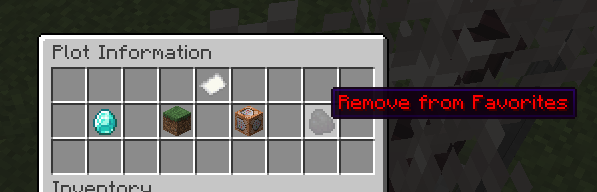
Right-click a plot and you’ll open a menu.
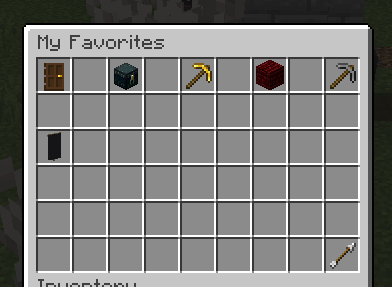
From that menu, you can add and remove a plot from favorites.
Favorites show up in the game menu.